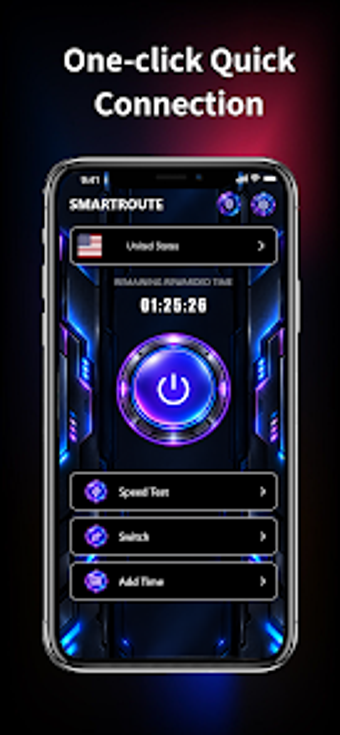
SmartRoute: Android network monitor with VPN-based proxy and speed tests
Experience network diagnostics and privacy in one app: real-time monitoring, integrated upload and download speed tests, instant IP lookup, and a VPN_SERVICE-based proxy for secure routing. SmartRoute comes from Qinghai Hongyou Electronic Science Technology Co and sits in the Android utilities-tools category. It highlights live network-change alerts and lightweight access to connection data, making it suited to users who frequent public Wi-Fi or want continuous visibility into mobile network health.
What does SmartRoute do for mobile network visibility?
SmartRoute combines diagnostic and privacy functions into a single workflow. It shows live network status and offers instant IP and network data lookup, so you can confirm the address and routing for the current connection. In addition, the app reports network changes and sends status alerts, which helps users detect when their device switches between Wi‑Fi and mobile data.
Does SmartRoute affect device performance during monitoring?
The app uses lightweight components designed for continuous observation, and the developer highlights a compact interface for quick access. Real-time monitoring and periodic speed tests imply background activity, yet the description emphasises minimal surface impact through a restrained UI. Moreover, because the secure routing relies on Android's VPN_SERVICE API, routing occurs at the system level rather than by installing low-level drivers.
Is SmartRoute safe to use on a public connection?
SmartRoute establishes secure connections via Android VPN_SERVICE and offers proxy services for privacy protection, which means the app routes traffic through an app-controlled tunnel. It uses the official VPN API, so the routing integrates with the platform's permission model. Nevertheless, users who require explicit backup or rollback for system changes should note the app focuses on routing and diagnostics rather than system-level restore points.
Clear fit for privacy-minded Android users, with one pragmatic trade-off
SmartRoute suits Android users who need continuous connection visibility and a VPN_SERVICE-based proxy for privacy while on public networks. Use its speed test and IP lookup before and after changing networks to verify routing and performance. The main trade-off is that the app concentrates on routing and monitoring, not on system backup primitives, so plan external safeguards if you alter device-level network settings.